

Overview
Gracenote provides a chatbot to demonstrate the MCP Server. Use this demo to explore use cases and view example responses in structured JSON before building your own integration.
Note: The JSON response shown in the demo is dictated by the MCP client, and is designed to be consumed by the web demo. You may specify your own response format in your own LLM client.
Accessing the Demo
- Obtain authorization credentials from your Gracenote representative.
- Navigate to: https://videomcp.gracenote.com/
- Log in using the credentials provided by your Gracenote representative.
Using the Demo
- On the main screen, enter a prompt or click one of the pre-defined prompts.
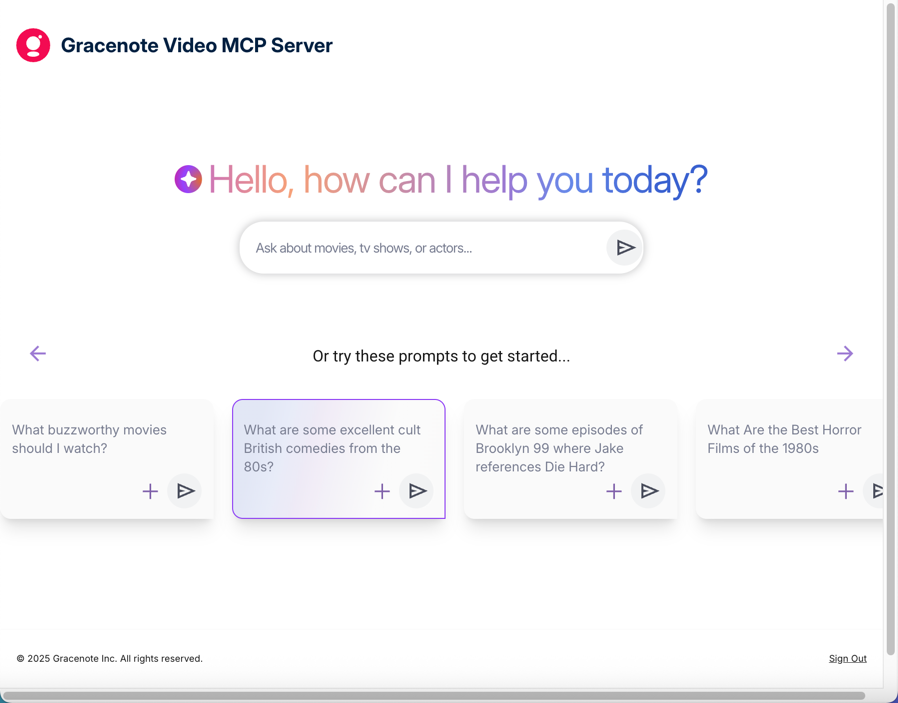
- Click the arrow to run the query.
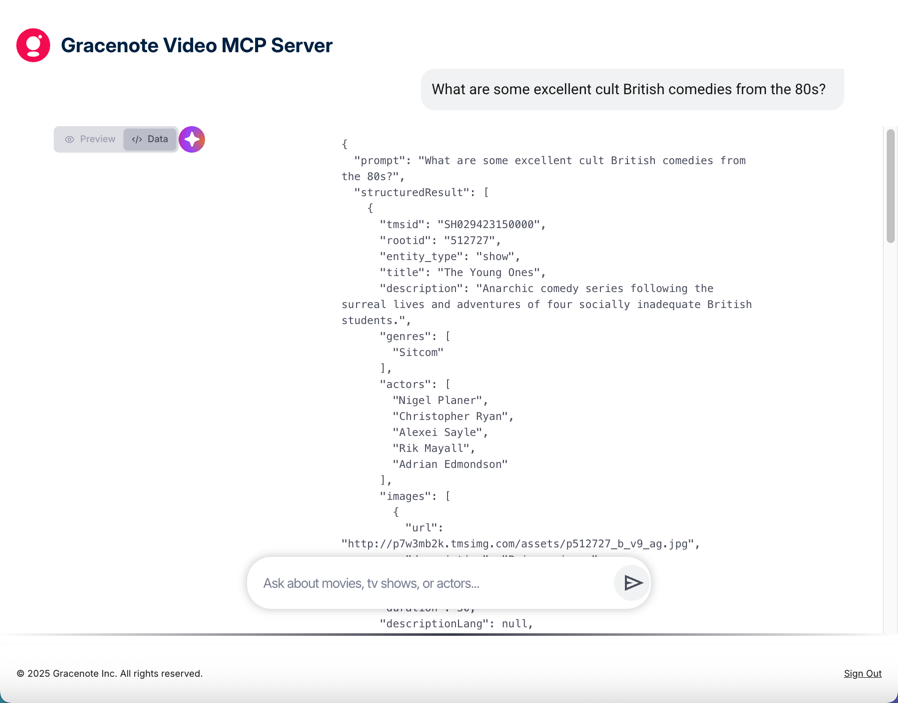
- View the response by clicking </> Data to view the response as JSON.
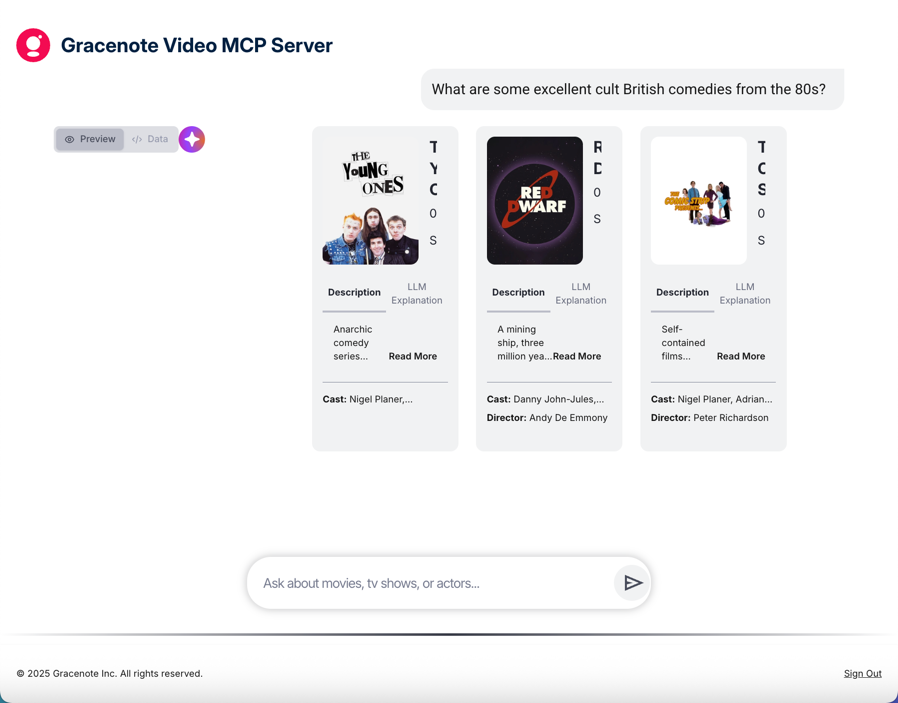
- Click Preview to view the rendered response.
Example Queries to Try
These queries demonstrate the different MCP tools and use cases:
Entity Resolution (finding specific titles):
- "Tell me about The Matrix"
- "Find the TV show Breaking Bad"
- "What is the 1994 movie with Tom Hanks about a man on a bench?"
Streaming Availability (where to watch):
- "Where can I watch Friends?"
- "Is Inception available on any streaming service?"
Multi-step queries (combining tools):
- "What are some excellent cult British comedies from the 80s?"
- "Find sci-fi movies from the 1990s and tell me where to watch them"
Alternate language versions:
- "What is the Brazilian Portuguese version of The Matrix?"
Example Response
For the prompt: "What are some excellent cult British comedies from the 80s?"
Data view — Shows the structured JSON response with TMSIDs, metadata, and images:
Preview view — Shows the rendered response as a user would see it:
Demo Limitations
The demo uses the same MCP Server you will integrate with. However, keep in mind:
- The demo's JSON response format is specific to the web demo UI — your application can define its own output format via the System Prompt
- The demo uses a pre-configured system prompt — you will customize yours for your use case
- Demo credentials are separate from your MCP Server integration credentials
Next Steps
After exploring the demo:
- Quick Start (CLI/Proxy) — Test locally with Claude Desktop or MCP Inspector
- Connecting to the MCP Server — Build your own integration
- Use Cases — See what you can build